For UK fleets and authorised representatives
Know which vehicles need attention before they move
MIDSure keeps vehicle lists, insured-status checks, reports, and not-insured alerts in one calm workspace.
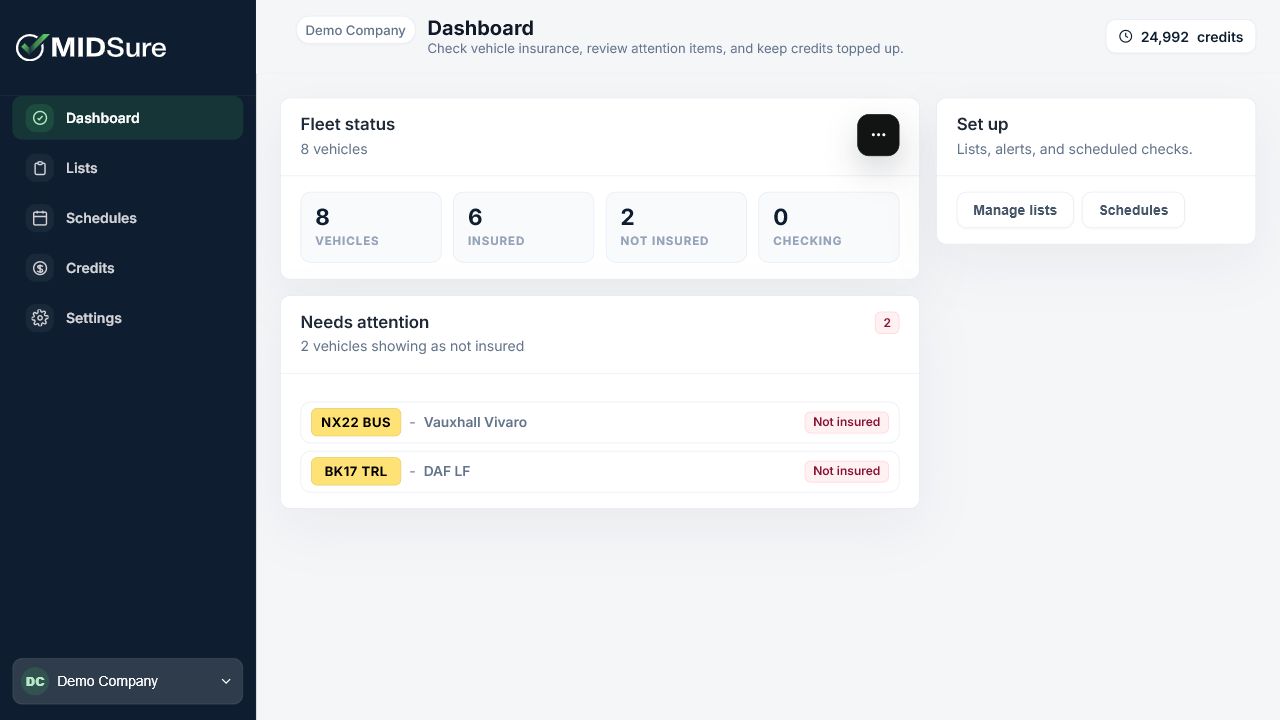
MIDSure dashboard showing vehicle checks, list status, and account navigation.
Built for authorised vehicle administration
MIDSure service markMIDSure service markMIDSure service markMIDSure service markMIDSure service markMIDSure service markMIDSure service mark
Why MIDSure?
A calm command centre for insured-status checks
Check lists, review attention items, and keep check activity visible without a heavy fleet management system.
Authorised checks
Run checks only where there is a proper vehicle administration reason.
Clear
Result states
Attention alerts
Keep not insured, unavailable, and pending results visible for review.
Authorised
Use only
Check visibility
Keep recurring checks visible before scheduled activity runs.
Check-led
Checks
Platform
Benefits of using MIDSure
Vehicle lists, checks, alerts, and reports stay close to the work.
Vehicle lists
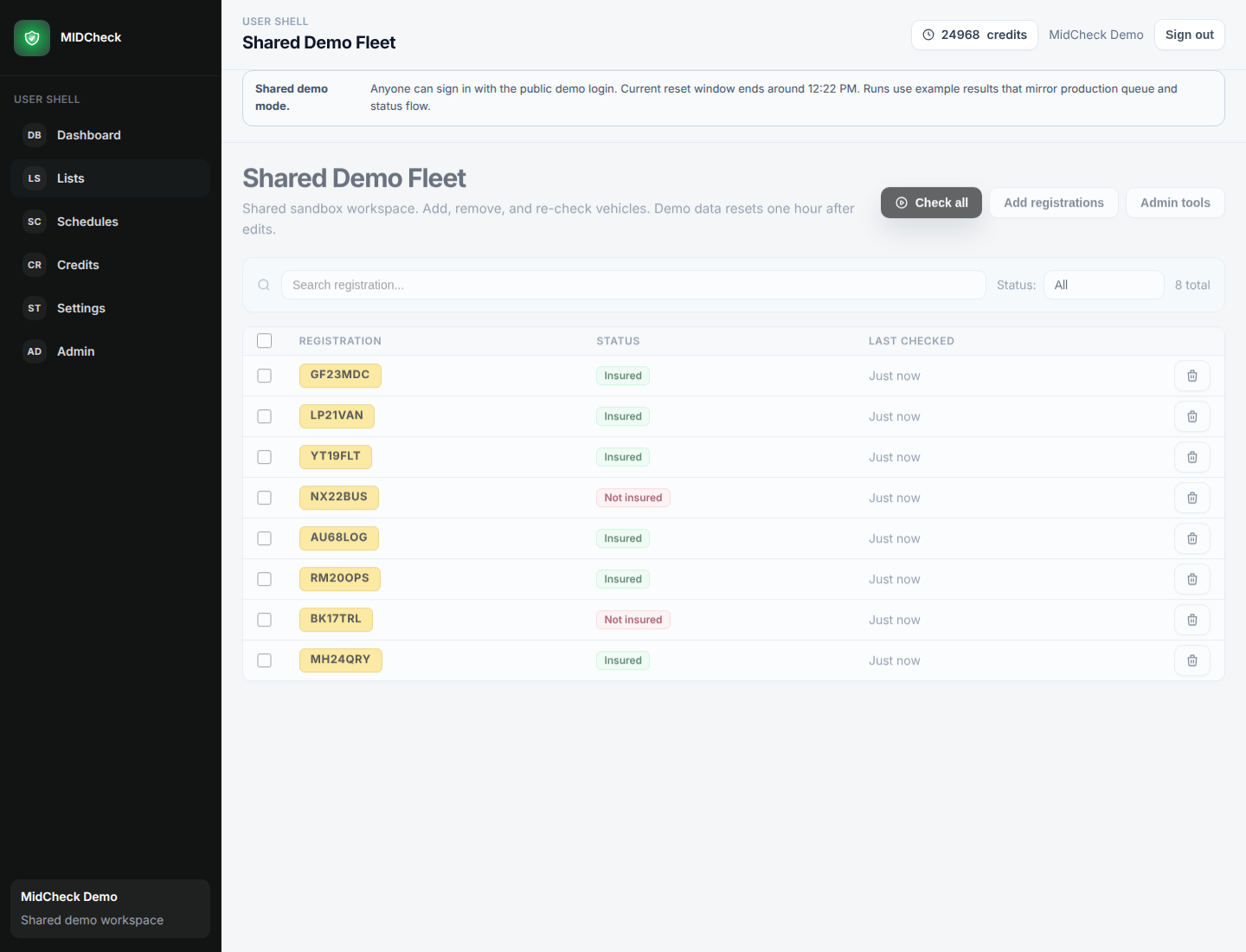
Create lists for fleets, client groups, or operating teams, then keep registrations together for checks and schedules.
MIDSure product screen for vehicle lists, checks, alerts, and reports.MIDSure product screen for vehicle lists, checks, alerts, and reports.
Insurance status
Run one-off or scheduled checks and see insured, not insured, pending, and unavailable states clearly.
MIDSure product screen for vehicle lists, checks, alerts, and reports.
MIDSure product screen for vehicle lists, checks, alerts, and reports.MIDSure product screen for vehicle lists, checks, alerts, and reports.
Needs attention
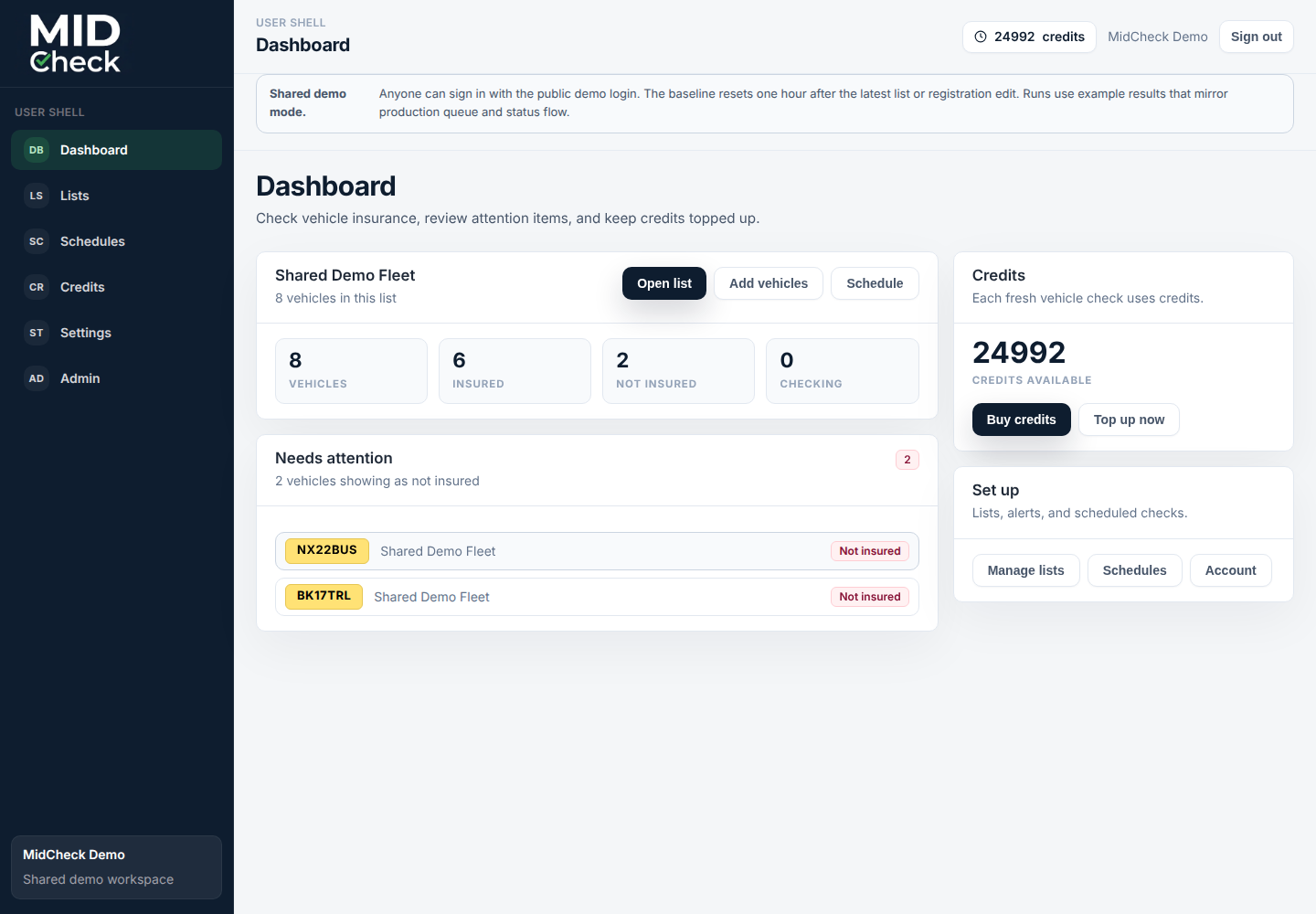
Keep not insured vehicles visible until they are resolved, rechecked, or snoozed for a clear reason.
MIDSure product screen for vehicle lists, checks, alerts, and reports.
Check activity
Keep recurring checks visible across cars, vans, lists, and attention items.
MIDSure product screen for vehicle lists, checks, alerts, and reports.
Reports
Keep customer-safe records for checked vehicles, runs, alerts, billing, support, and audit needs.
MIDSure product screen for vehicle lists, checks, alerts, and reports.
Workspace
Manage checks in minutes
The dashboard gives authorised teams a clear place to run checks and review what needs attention.
Complete overview of vehicle lists
Insurance results and attention states
Customer-safe reports and exports
MIDSure product screen for vehicle lists, checks, alerts, and reports.
Mixed
Cars and vans
Lists
Grouped vehicles
Checks
Point-in-time results
Alerts
Clear follow-up
Daily checks
Proof stays close to the vehicle list

MIDSure keeps the practical details a fleet team needs: the vehicle, the point-in-time result, the check date, and the attention state.

1

Authorised fleet checks

Run checks for vehicles your organisation is responsible for administering.

2

Cars and vans together

Keep mixed vehicle lists in one place, with clear rows for each registration.

3

Attention states

Not insured, unavailable, pending, and insured results stay easy to review.

4

Check visibility

Recurring activity stays visible before teams run or schedule checks.

FAQ
Frequently asked questions
Answers about authorised checks, alerts, and reports.
What does MIDSure check?
Who can submit a vehicle?
How should teams use a result?
What happens when a vehicle shows not insured?
How are recurring checks managed?
Can teams keep reports?
Keep every vehicle status check on track
Get access to MIDSure
Bring lists, checks, alerts, and reports into one calm account.
Create your MIDSure area, add fleet details, and start with a guided access request.